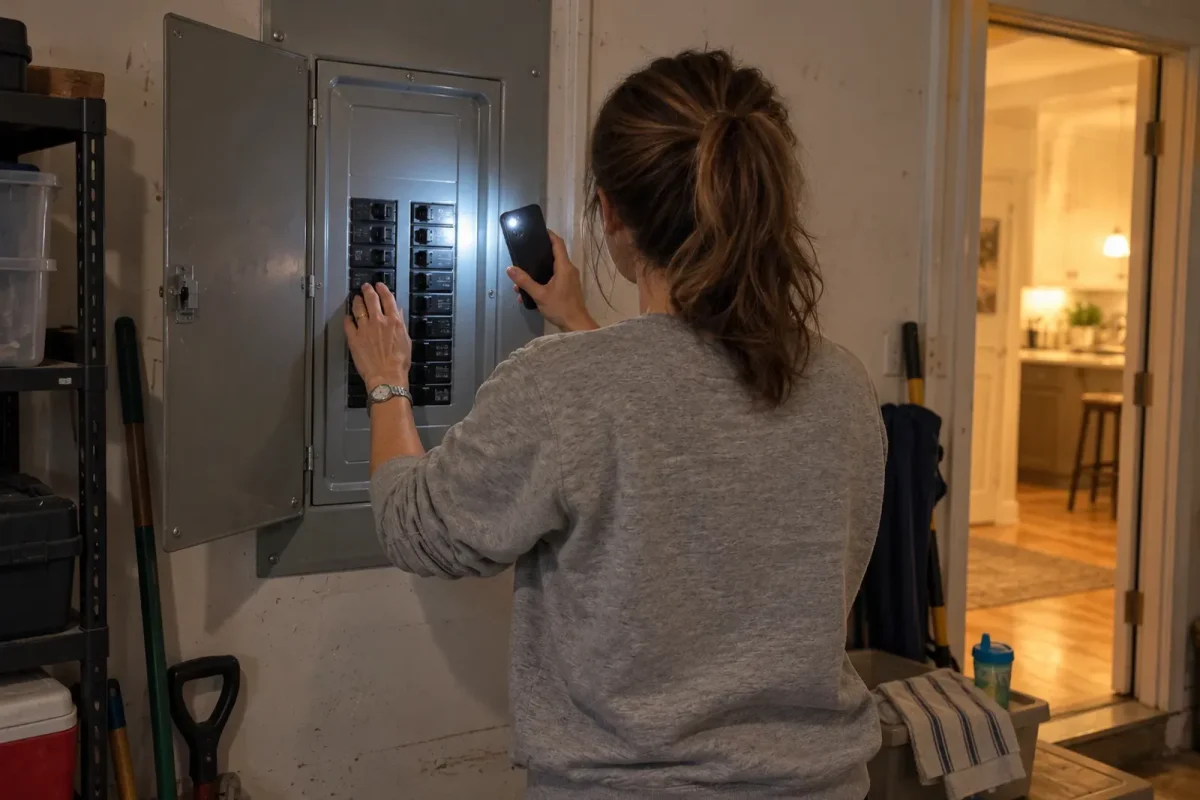
If your induction cooktop isn’t working, the most common causes are a tripped breaker, the control lock being on, a pan that isn’t magnetic or isn’t centered, a wet control panel, or overheat protection switching a zone off. Start by checking the breaker, unlocking the controls, testing with a pan a magnet sticks to, and drying the controls. If an error code shows, look it up in your manual. A cracked glass top, a burning smell or a breaker that keeps tripping means stop using it and call a technician.
In nine years on induction and 20+ test cooktops, I’ve seen most of these problems myself, from a test cooktop that wouldn’t turn on (it was in demo mode) to my own Bosch shutting a zone off because a hot lid was resting on the controls. This troubleshooting guide is checked against Bosch’s induction error-code guide and the use and care manuals of the cooktops I’ve tested.
Quick checks before calling for service
- Check that the breaker is on, and reset it once.
- Check whether the lock or child lock is on, and hold the lock key (often for about 4 seconds) to release it.
- Does a magnet stick firmly to your pan’s base?
- Is the pan centered on a zone of the right size?
- Are the controls dry and clear of pans, lids and cloths?
- Is an error code showing? Note it and check the manual.
- If it’s still dead, switch the breaker off for 30 seconds, then back on.
Symptoms, causes and fixes at a glance
| Symptom | Likely cause | Try this |
|---|---|---|
| Completely dead, no display | Breaker tripped; power cut; demo mode | Fixes 1, 2, 11 |
| Display on, controls don’t respond | Control lock; wet or covered controls | Fixes 3, 4 |
| Pan symbol flashing, zone won’t heat | Pan not magnetic, too small or off-center | Fixes 5, 6 |
| Zone turns off by itself | Overheat protection; timer; auto shut-off; wet controls | Fixes 4, 7, 8 |
| Heats weakly or pulses | Power sharing; low-setting cycling; poor pan contact | Fixes 6, 9 |
| Error code shown | Varies by brand | Fix 10 and the code table |
| Fan keeps running after use | Normal cooling | Wait; it should stop within minutes |
| Breaker trips repeatedly | Wrong breaker size or a fault | Stop using; call an electrician (fix 12) |
12 fixes to try
1. Check the breaker and power supply
Find the cooktop’s double-pole breaker in your panel. If it’s tripped (in the middle or off position), switch it fully off, then on. If it trips again right away or during cooking, don’t keep resetting it. Check that the breaker size matches the installation guide. For more, read Induction Cooktop Electrical Requirements.
2. Power-cycle the cooktop
Many electronic glitches clear if you switch the breaker off for about 30 seconds and back on. Bosch recommends this for unlisted error codes before calling for service.
3. Turn off the control lock (child lock)
A lock or key symbol means the controls are locked. On Bosch cooktops, hold the lock key for 4 seconds with the cooktop off. Other brands use a similar long press; check your manual.
4. Dry and clear the controls
Water, boiled-over food, a damp cloth or a pan handle on the touch controls can make the cooktop beep, flash or switch off. Bosch lists “all displays flashing” as a sign the control panel is wet or covered. My own Bosch did this when a hot lid sat on the slider. Wipe and dry the panel, then try again.
5. Check the pan is magnetic
If the pan symbol flashes or the zone won’t heat, the cooktop may not detect your pan. Hold a fridge magnet to the base: if it doesn’t stick firmly, the pan won’t work. For more, read What Cookware Works on Induction? and Does Stainless Steel Work on Induction?
6. Match pan size and center it
Each zone needs a minimum pan diameter to detect it, and the pan should cover most of the zone. A small pan on a big zone, a warped base or an off-center pan can stop detection or heat poorly. Move the pan to a smaller zone or center it.
7. Let it cool (overheat protection)
If a pan gets very hot, or the electronics overheat, the cooktop switches a zone off to protect itself. Bosch uses codes like F1, F2, F4 and F6 for this. Let it cool, then switch the zone back on. Avoid preheating empty pans on boost.
8. Check timers and automatic shut-off
A zone timer switches that zone off when it ends, and most cooktops switch off automatically after a long time with no button presses. Bosch shows F8 with “H” in this case: touch any control and set the zone again.
9. Understand power sharing and low-heat pulsing
Zones often share power. Turning on boost on one zone can lower the level on the zone next to it. On low settings, many cooktops switch on and off to hold the level, so a pan may stop bubbling for a few seconds. That’s normal. On my Bosch, boost on the front-left zone drops the back-left zone from 9 to 7.
10. Look up the error code
Write down the exact code and your model number, then check the manual. Codes differ by brand, so a code on one brand can mean something different on another. Common ones are below; for more brands see induction cooktop error codes.
11. Check for demo mode
Display models can be left in demo (showroom) mode, where the display works but zones don’t heat. Bosch shows “dE” for this: turn off the breaker for 30 seconds, restore power, then touch any control within 3 minutes. This was the problem with an open-box test cooktop I bought.
12. Check the supply voltage and wiring
Codes about supply voltage (on Bosch, E9000, E9010, U1 or U400) mean the power reaching the cooktop is outside its normal range. Contact your utility or an electrician; don’t try to fix wiring yourself. A breaker that trips repeatedly also needs an electrician.
Common error codes (Bosch example)
| Code | What it means | What to do |
|---|---|---|
| Lock symbol | Control lock on | Hold the lock key 4 seconds with the cooktop off |
| All displays flashing | Controls wet or covered | Dry the panel or remove the object |
| dE | Demo mode | Breaker off 30 s, on, then touch any control within 3 minutes |
| F1, F6 | Zone overheated | Let it cool, then switch back on |
| F2, F4, E7015 | Electronics overheated | Let it cool, touch a control, resume |
| F5 + beeping | Hot pan near the controls | Move the pan away from the control panel |
| F8 + H | Automatic time limit reached | Touch any control and set the zone again |
| U2, U3 | Cooking element overheated | Let it cool, then turn back on |
| E9000, E9010, U1, U400 | Supply voltage out of range | Contact your utility or Bosch support |
Source: Bosch induction cooktop error codes. Other brands use different codes.
Portable induction burner not working
- Plug it straight into a wall outlet, not an extension cord or power strip.
- Don’t share the outlet’s circuit with a kettle, toaster or microwave; the burner draws up to about 1,800 watts.
- Keep the air vents underneath and at the sides clear; overheating is the most common shut-off cause.
- Check the outlet with a lamp, and reset it if it’s a ground-fault circuit interrupter (GFCI) outlet that has tripped.
- Use a magnetic pan at least as wide as the burner’s minimum size.
- Look up the “E” code in the manual; portable burners commonly show codes for no pan, overheating or voltage problems.
My portable Duxtop shut off with an error code when I used it on a soft placemat that blocked the vents. If you’re choosing a better portable burner, read Best Portable Induction Cooktops.
When to call a technician
- The glass is cracked or chipped. Switch it off at the breaker.
- You smell burning or see smoke from under the cooktop.
- The breaker trips repeatedly.
- One zone never heats with a pan that works on other zones.
- An error code returns after power-cycling.
- Loud crackling or popping from inside the unit.
Have your model and serial numbers (on a label under the cooktop or in the manual) ready. Bosch customer service: 1-800-944-2904.
Warranty, and repair or replace?
Check your warranty before paying for a repair; many cooktops have a one-year full warranty and some brands offer longer coverage on parts. If the cooktop is out of warranty and the repair is a large share of a new one’s price, replacing may make more sense. If you decide to replace it, read Best Induction Cooktops.
FAQ
Why is my induction cooktop not turning on?
Check the breaker, then make sure the control lock isn’t on and the controls are dry. If the display stays dark, switch the breaker off for 30 seconds and back on. If it still won’t turn on, call for service.
Why is my induction cooktop not heating?
Usually the pan isn’t magnetic, is too small, or isn’t centered on the zone. Try a pan a magnet sticks to firmly. It could also be overheat protection, demo mode or an error.
Why does my induction cooktop keep turning off?
Common causes are wet or covered controls, overheat protection, a timer or automatic shut-off, or a pan being lifted too long. Check for an error code.
How do I reset my induction cooktop?
Switch off the cooktop’s breaker for about 30 seconds and turn it back on. This clears many temporary electronic faults.
Why is my induction cooktop flashing?
A flashing pan symbol means no suitable pan is detected. Flashing displays can also mean wet or covered controls, or an error code.
Why does my induction cooktop fan stay on after cooking?
The fan cools the electronics and often keeps running for a few minutes after you switch off. That’s normal unless it never stops.